A Figma powered animation pipeline

Elements

Project Lead
Illustration
Design
Documentation

Working at Cleverclip explainer videos were our bread and butter. But as a service these can be very resources intensive, there is always a lot of back and forth with refining the goal of the video, the wording and structure of the script, the style and the animation approach and more. This makes it so that even a simple video has some prohibitive costs for some clients.

Over time, we discovered some clients don't need a one a kind look for all their videos, but a clear and engaging way of conveying their message to their audience, that keeps some visual connection to their brand. With this in mind in early in 2020, we built a hyper optimized illustration and animation system to cover the needs of these clients.

I managed the conception and production of three asset libraries for this system. We called these libraries and the production pipeline for animation Cleverclip Elements.


Ground Rules

The system needed to fulfill three key requirements:

Optimized for super fast-turn around to reduce production cost to a minimum. We aimed to offer a cheaper option than our least expensive videos. For this, we needed to reconsider every aspect of production.

Easy to customize the colors to fit the client’s brand. Clients would pick from three libraries of pre-made assets, but we needed to design them so that adjusting them to fit the client’s brand was lighting fast and looked good with most color combinations.

Easy to expand upon with newer assets. We were going to invest a lot of resources were going for the first batch of assets, and later down the line we would make a few custom assets for each new video. We then needed to be sure that we could incorporate any new design into the libraries.

Style & Scope

We opted to make three distinct illustration libraries that would cover the needs of most of our clients. We defined the styles based on our experience working with clients, on what their most common tendencies were when picking up a style for a video.

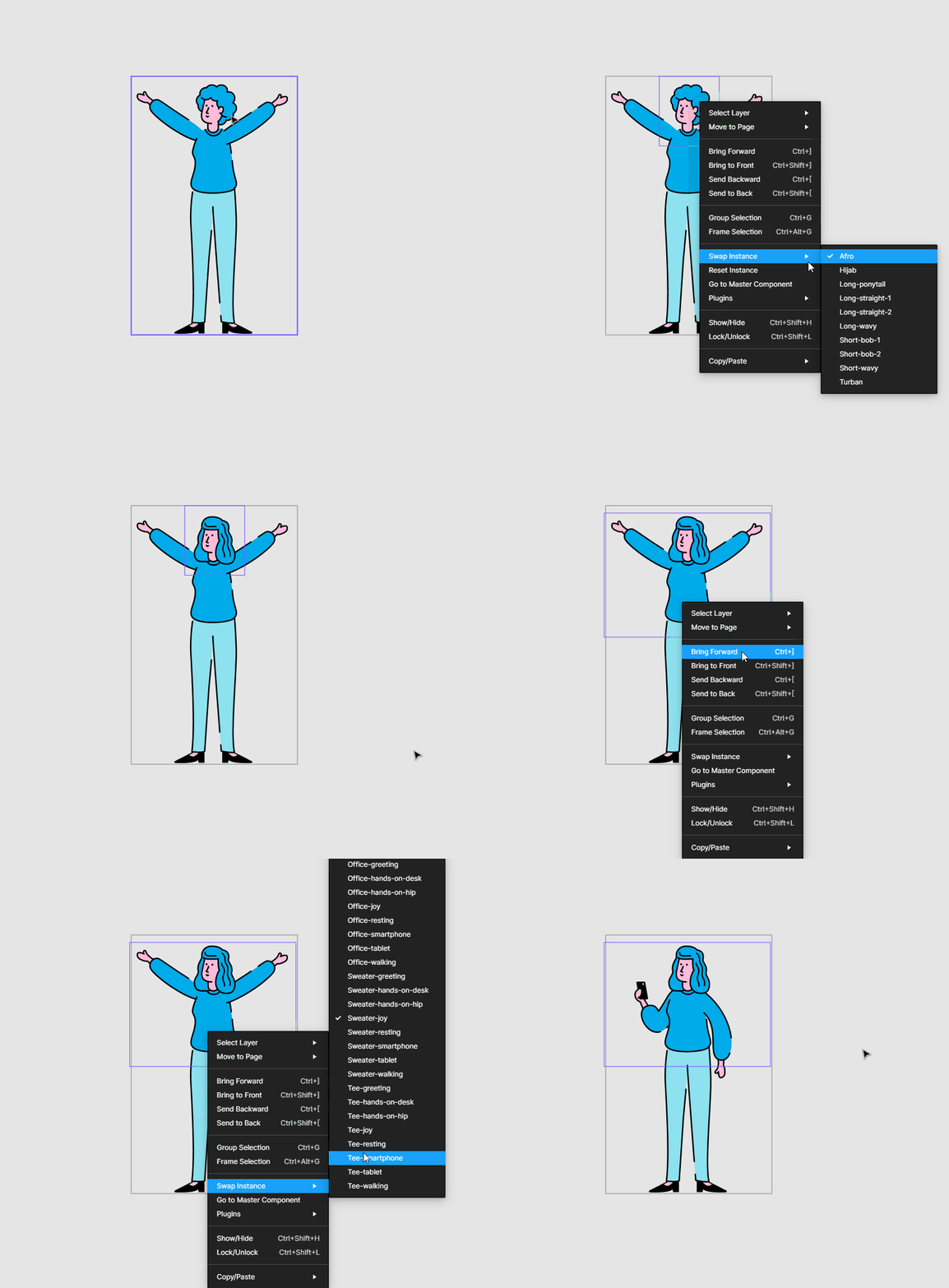
The styles had also to conform to the specifications of the system in Figma, as this would be the tool were we would access and adjust the assets for production.

Each style would have a basic amount of assets to work with that would cover what we knew to be the most common assets used in basic explainer videos. We settled for 300+ initial assets for each library covering 7 different categories: People, Ideas, Places, Nature, Transportation, Buildings & Furniture.

Animation & Sound

For animation, like most studios doing any kind of motion design, we work with After Effects. But for Elements we needed to speed things up. For this we created an extensive set of preset animations meant for all styles and several custom ones for each style, all modifiable.

We complimented it our in-house made presets with some third party presets. This made it so that animators could produce high-quality results without investing too much time compared to a regular video.

For sound effects we curated a small library of effects for each style and we made two original music tracks for clients to pick from. We plan to add more tracks so that clients have more options in the future.

Naming & Showcasing

We took a page from IKEA and gave each style a ‘human name’: Blai, Clara and Nil. These to make them stand out more and not simply refer to them as style A, B or C while presenting them to clients.

Finally, we produced three sample videos made with original scripts that presented topics we felt fit best for each style. Below you can watch the sample videos.

Credits

Bea Barquero & Alejandro Bonilla | Illustration
Jakob Skorupa | Video Editing
Natalie Ediger & Marc Bachofner | Copy Writing
Huba Gaspar | Developer